Thermal
Examples

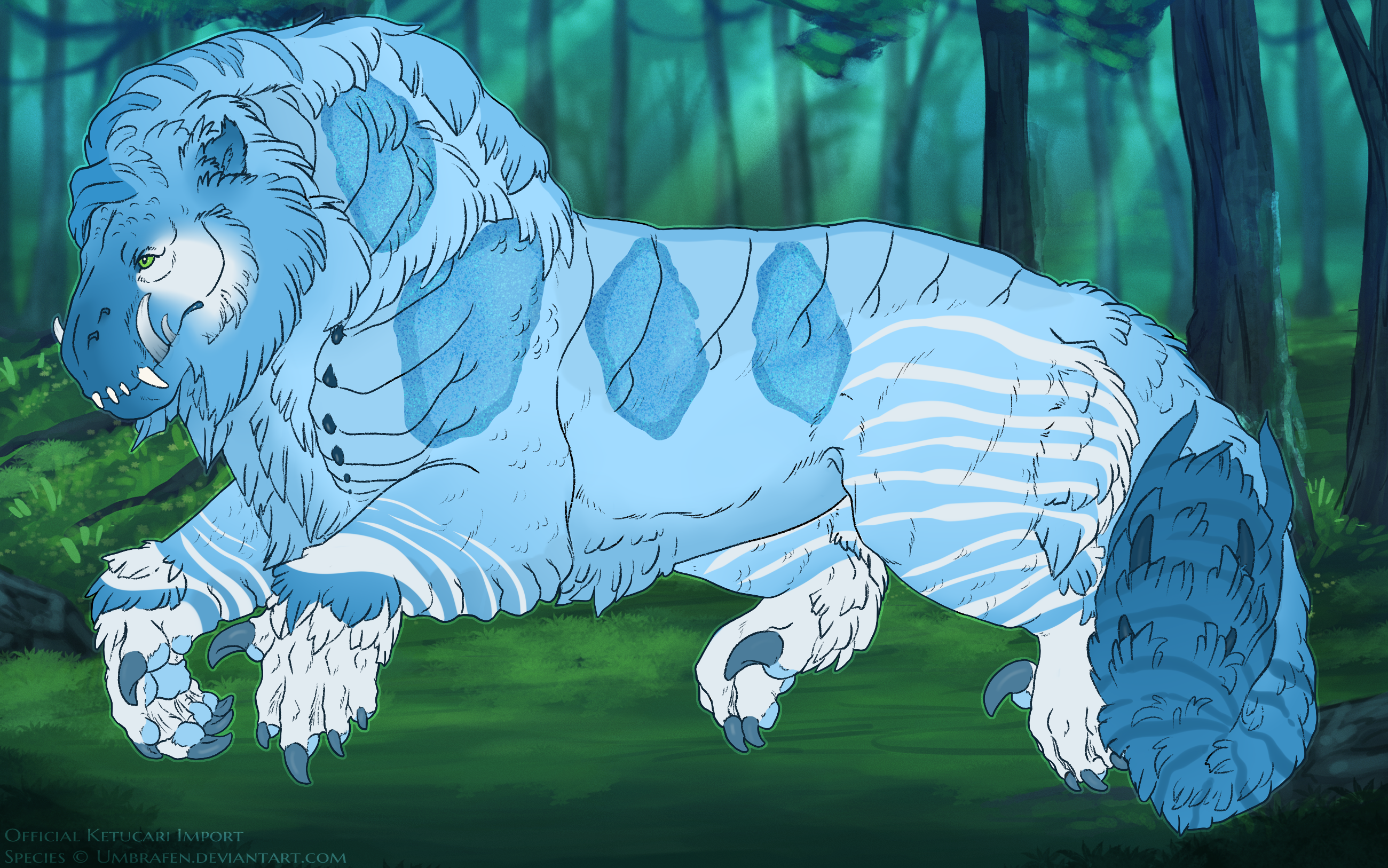
Basics
• In your ketucari's genotype, thermal is denoted by the letters "nThm" (heterozygous) or "ThmThm" (homozygous).
• In its heterozygous form, thermal has a pass rate of 30%. Homozygous thermal has a 55% pass rate.
Color and Shape
Thermal must have a soft blended edge. It should look like the core of the ketucari has been lightened, with edges where the body is cooler allowing a fade. The ears should never be affected by thermal. Markings that display through thermal don't have to be lightened to the exact same degree as the base is, but they should look noticeably lighter, this incudes any color markings such as vent and radiance. The edges should not be textured.
• Thermal displays over all markings except for white markings, shimmer, and glass, and can optionally show over dun and luster (lightening the glitter colors). More about dun's interaction with thermal further down.
• Heterozygous thermal lightens the base/markings by a maximum of of +25 value and -25 saturation.
• Homozygous thermal lightens the base/markings by a maximum of +40 value and -40 saturation.
These can be adjusted manually, or be achieved by coloring a layer white and lowering its opacity to the desired percentage range. Homozygous thermal does not need to utilize the maximum range.
Range
Range for thermal. Green is the approximate minimum amount of space that thermal needs to take up on the design. Blue is the maximum range of thermal. Thermal cannot have any full breaks in presentation. At least two major points of the body need to be touched by thermal, they are; the neck, the forelegs, the hindlegs, and the tail. The chest and belly must always have thermal present in some fashion. If hued points and/or dusky points are present, the original basecoat must still be visible.

Interaction with Other Markings
 Thermal displays over all markings except for white markings, shimmer, and glass, and can optionally show over dun and luster (lightening the glitter colors) Thermal can be affected by Segment
Dun
Dun has a special interaction with Thermal in that it can always show/present over thermal, even when other markings aren't or are partially showing. It may optionally be unaffected by thermal's lightening effect. This includes the optional free dun marking with the dun modified bases.
Accents
Here are some small accents you can add to your designs to make them more unique!
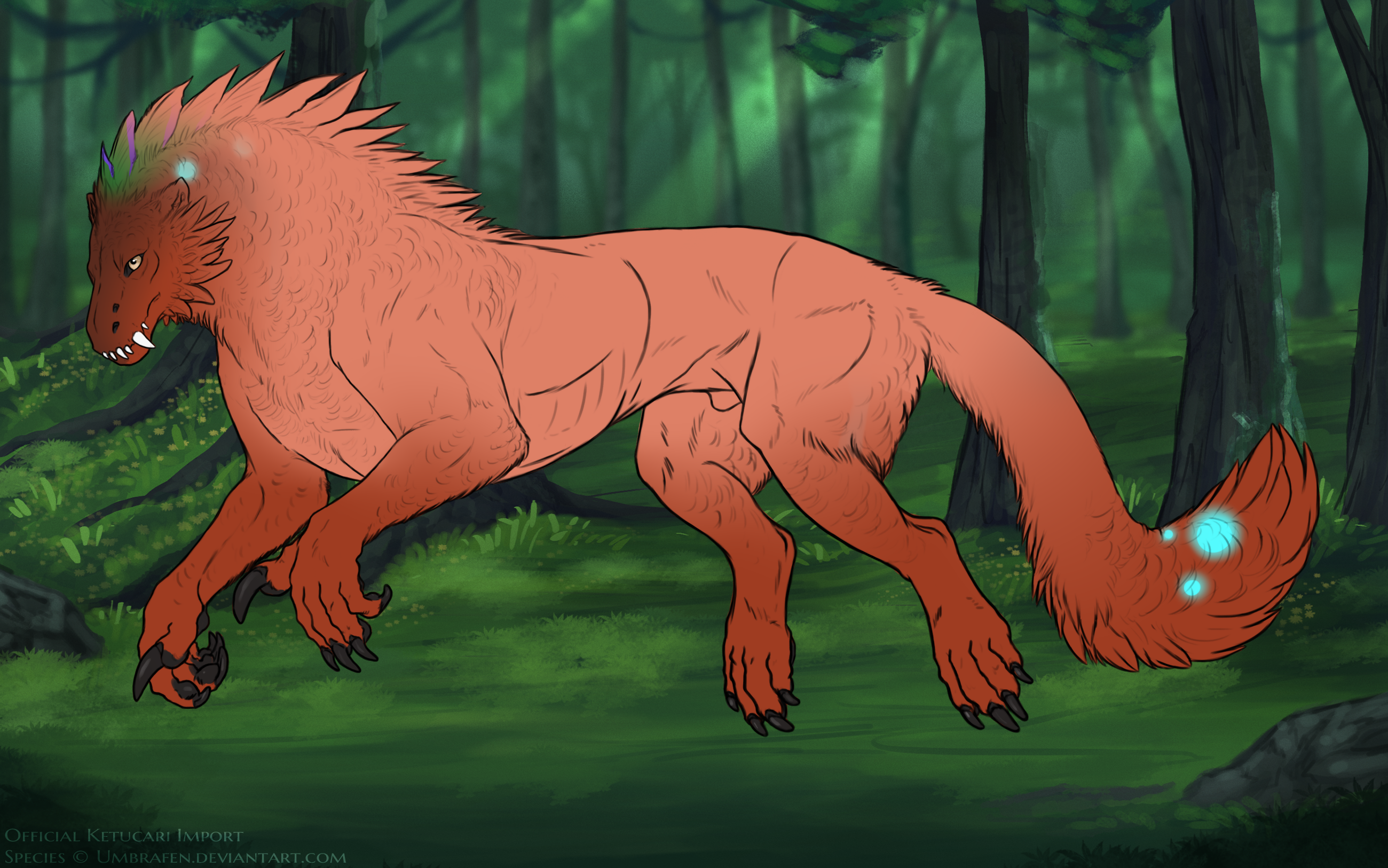
• Markings may be completely covered by thermal's effect on the basecoat, like below
• Markings may show through completely, and only be lightened by thermal's influence.
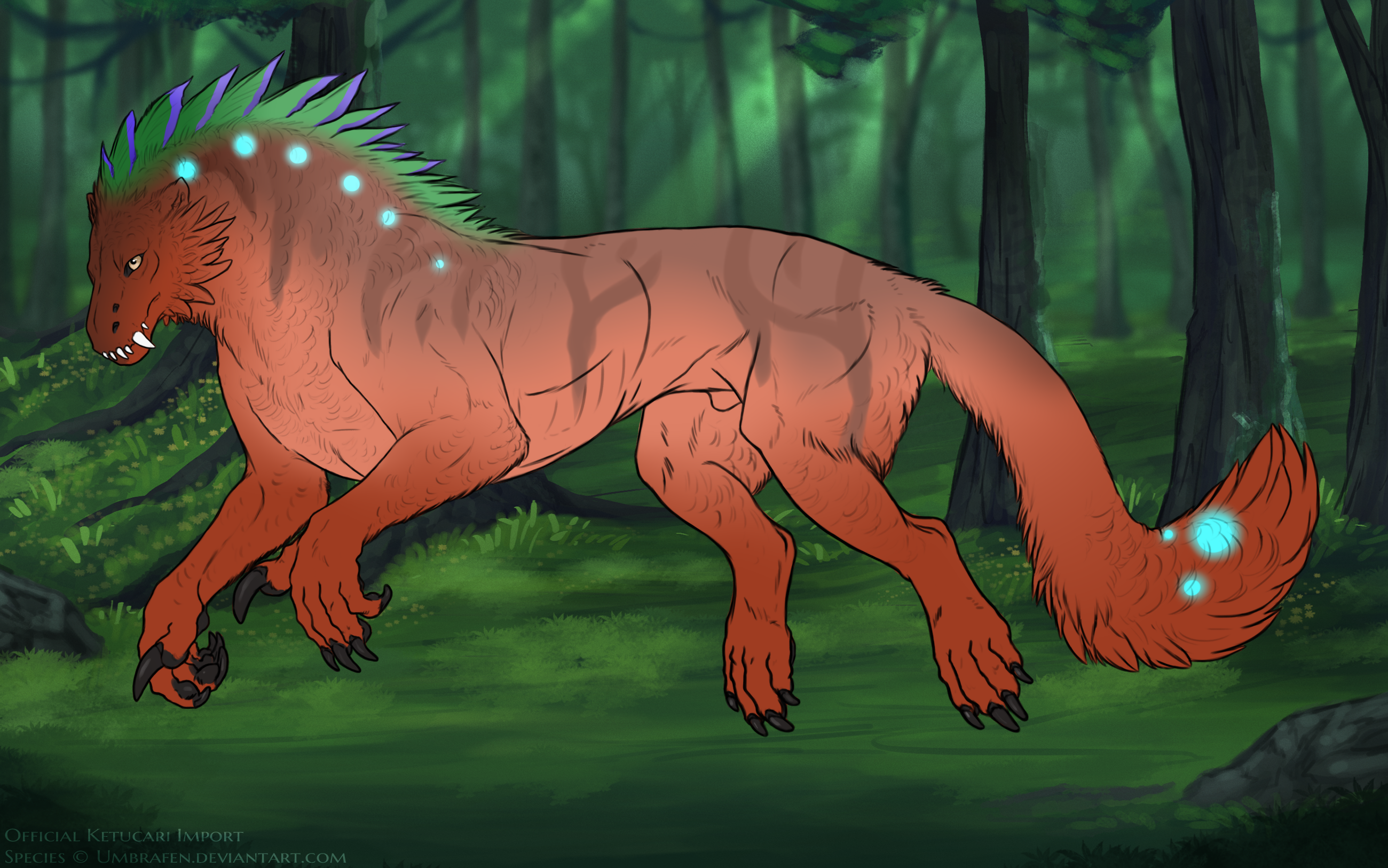
• Markings may be a mixture of the two, with soft edged sections of thermal showing the markings underneath. The markings that show through should still be lightened by thermal. These should not look like roan's holes and should be more amorphous and soft.

• Thermal may have a subtle gradient